What Is a Dark Web Website and How Does It Differ from the Surface Web?
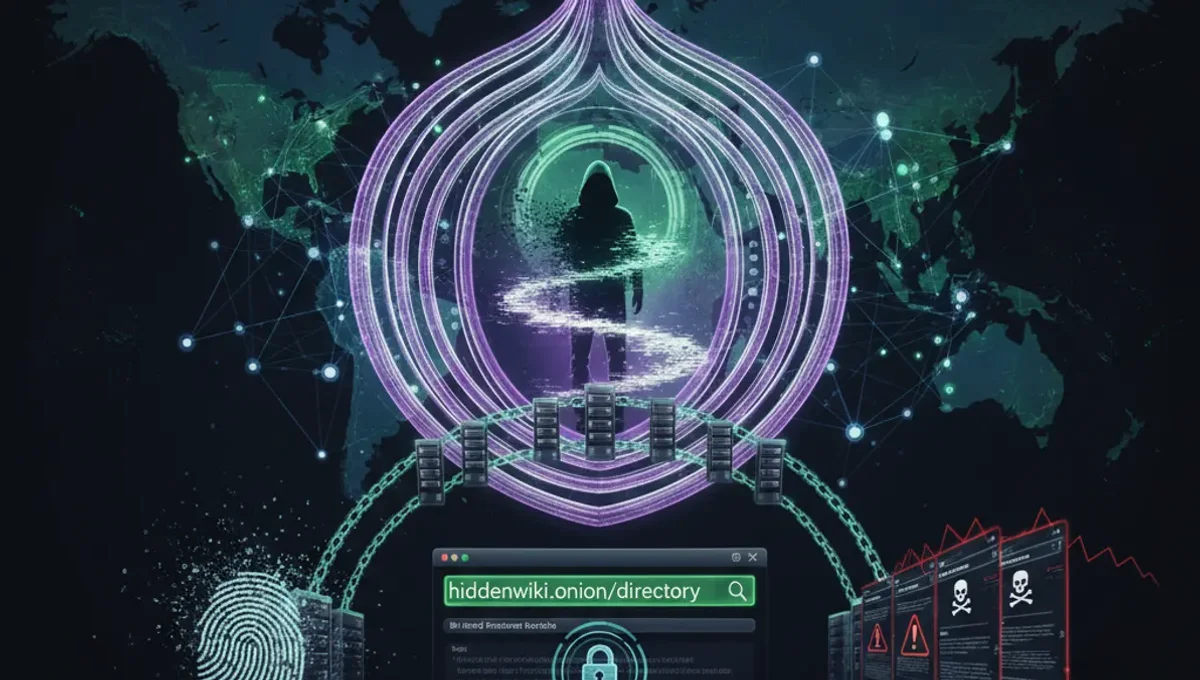
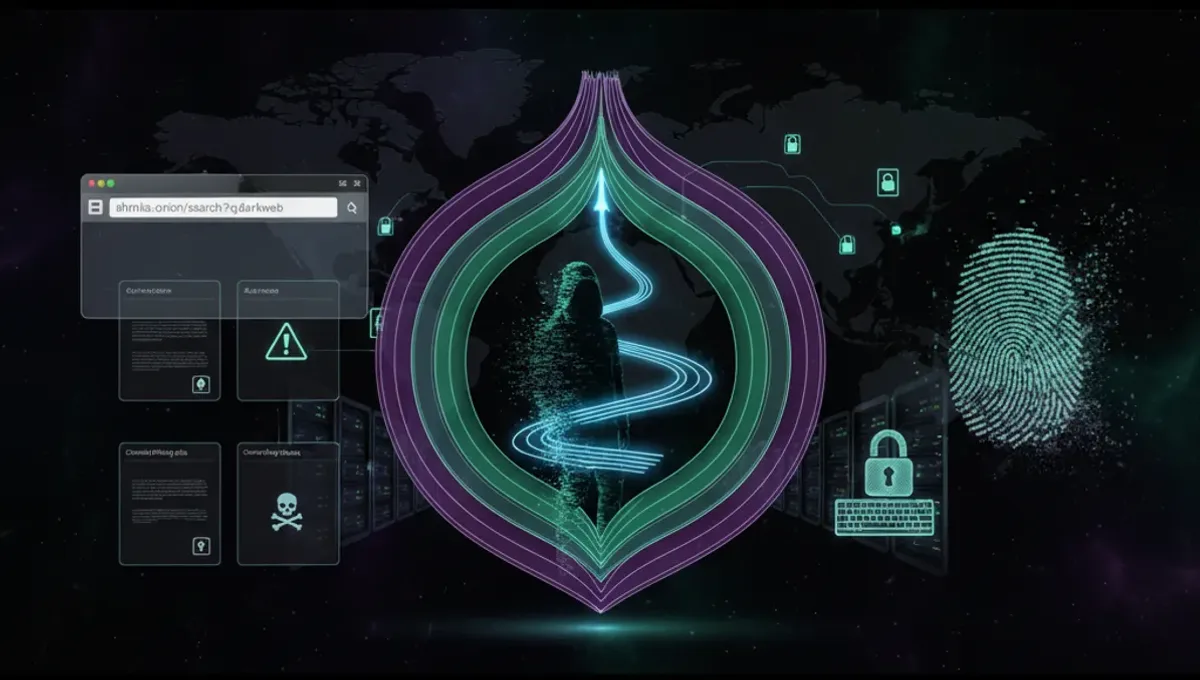
A dark web website is a service hosted on the Tor network and accessible only through the Tor Browser or similar tools. Unlike surface web sites that use standard domain names and HTTP protocols, dark web websites use .onion addresses—cryptographic identifiers that route traffic through multiple Tor relays before reaching the destination server. This architecture provides anonymity to both the server operator and the user. Dark web websites can serve legitimate purposes, such as whistleblowing platforms, privacy-focused communication services, and uncensored news archives. They also host illegal marketplaces and content. The key distinction is technical: a dark web website is defined by its use of Tor infrastructure and .onion addressing, not by its content. Onion directories and search engines function as indexes to these services, similar to how surface web search engines catalog regular websites, but they operate within the Tor network itself.
How Do Onion Directories and Search Engines Work?
An onion directory is a manually curated or algorithmically indexed list of .onion addresses, organized by category. Directories typically verify that links are active and functional before listing them. Search engines for the dark web crawl .onion sites and index their content, allowing users to search by keyword rather than browsing categories. Both types of websites operate on the Tor network and are accessed through the Tor Browser. When you visit an onion directory or search engine, your connection is routed through multiple Tor relays, masking your IP address and location. The directory or search engine itself is also hidden behind a .onion address, meaning its physical location is obscured. Some directories are maintained by volunteer communities, while others are operated by individual developers. The reliability and accuracy of these services varies; some are regularly updated and verify links, while others may contain outdated or fraudulent entries. Phishing clones—fake copies of legitimate directories designed to steal credentials or distribute malware—are common, making verification essential.
Step-by-Step: Installing and Configuring Tor Browser Safely
- Download Tor Browser only from the official Tor Project website. Verify the download using the provided cryptographic signature to ensure you have not received a compromised version.
- Extract the downloaded file to a secure location on your computer. Do not install it in a shared or temporary directory.
- Launch Tor Browser and allow it to connect to the Tor network. This process typically takes 30–60 seconds as the browser establishes circuits through multiple relays.
- Once connected, open the Tor Browser settings and review privacy options. Disable plugins and extensions unless absolutely necessary, as they can leak your real IP address.
- Set your security level to 'Safer' or 'Safest' depending on your threat model. Higher security levels disable JavaScript and reduce browser functionality but increase protection against fingerprinting.
- Do not maximize your browser window, as window size can be used to identify you across sessions.
- Before visiting any .onion address, test your connection using the built-in security check. This confirms that your traffic is properly routed through Tor.
- Never use Tor Browser for regular web browsing alongside dark web activity, as this can correlate your identity with your onion site visits.
How to Distinguish Genuine Onion Mirrors from Phishing Clones
Phishing clones are fraudulent copies of legitimate dark web websites designed to steal login credentials, cryptocurrency, or personal information. Several techniques help identify genuine sites. First, verify the .onion address against multiple independent sources. Legitimate projects publish their official .onion addresses on their surface web sites, in official documentation, and on community forums. A mismatch between sources is a red flag. Second, check for HTTPS encryption and a valid security certificate. While .onion sites can use self-signed certificates, legitimate services typically display consistent certificate information across visits. Third, examine the site's content for inconsistencies, spelling errors, or layout differences from the official version. Phishing clones often contain subtle errors or outdated information. Fourth, use PGP signatures when available. Many legitimate dark web services publish signed messages confirming their official .onion address. Verify these signatures using the project's public key. Fifth, check community forums and subreddits dedicated to dark web discussion; users often report phishing clones and confirm legitimate addresses. Finally, if a site requests unusual information or asks you to download files before logging in, treat it as suspicious. Legitimate services do not require downloads for basic access.
Understanding v3 Onion Addresses and Their Security Advantages
Onion addresses exist in two versions: v2 and v3. Version 2 addresses are 16 characters long and use older cryptographic standards. Version 3 addresses are 56 characters long and use modern elliptic-curve cryptography, providing significantly stronger security. The Tor Project deprecated v2 addresses in 2021 due to vulnerabilities in their cryptographic design. V3 addresses are resistant to cryptanalytic attacks and provide better protection against certain types of network-level attacks. When accessing dark web websites, prioritize v3 addresses over v2 addresses. Most legitimate projects have migrated to v3 or operate exclusively on v3. If a service still uses only v2 addresses, verify whether it has announced plans to migrate or whether it is an abandoned or fraudulent service. V3 addresses also support improved onion service authentication, allowing operators to cryptographically prove ownership of their service. This feature helps prevent phishing clones by allowing users to verify that they are accessing the authentic service. When bookmarking or sharing .onion addresses, always use the full v3 address and verify it against official sources.
Common Mistakes That Compromise Anonymity on the Dark Web
Several operational security mistakes can reveal your identity or location while using dark web websites. First, reusing usernames or email addresses across the dark web and surface web allows correlation attacks that link your identities. Create unique usernames for each service and avoid using personal information. Second, maximizing your browser window or using custom screen resolutions enables fingerprinting—attackers can identify you across sessions based on your browser configuration. Keep your window at a standard size and avoid customizing display settings. Third, enabling plugins or extensions in Tor Browser can leak your real IP address through DNS requests or other side channels. Disable all unnecessary add-ons. Fourth, visiting the surface web while actively using Tor Browser can correlate your activities. Use separate browser profiles or devices for Tor and non-Tor browsing. Fifth, downloading files from untrusted sources without verifying signatures or checksums can result in malware infection. Always verify downloads using cryptographic hashes when available. Sixth, using Tor Browser on a computer with malware or keyloggers defeats anonymity entirely. Maintain a clean operating system and use antivirus software. Seventh, providing personal information in forum posts, chat messages, or account profiles can deanonymize you. Treat all dark web interactions as potentially public.
Comparing Tor, VPN, and I2P for Anonymity and Access
Tor, VPN, and I2P are three distinct technologies for privacy and anonymity, each with different strengths. Tor routes traffic through multiple relays operated by volunteers worldwide, providing strong anonymity but slower speeds. Tor is designed for accessing hidden services (.onion sites) and is the standard tool for dark web access. VPN services encrypt traffic and route it through a single provider's server, offering privacy from your Internet Service Provider but not true anonymity—the VPN provider can see your traffic and IP address. VPNs are faster than Tor but do not provide access to .onion sites without additional tools. I2P is a decentralized network similar to Tor but optimized for peer-to-peer applications and internal services rather than general web browsing. I2P provides strong anonymity within its network but has a smaller user base and fewer exit nodes for accessing the surface web. For accessing dark web websites and onion directories, Tor is the appropriate choice. VPNs can complement Tor by hiding your Tor usage from your ISP, but they should not replace Tor. I2P is useful for specific applications like file sharing or messaging but is not designed for general dark web browsing. Each technology involves trade-offs between speed, anonymity, and functionality.
Frequently asked questions
Is it illegal to access dark web websites?
Accessing the dark web itself is legal in most countries. Using Tor Browser and visiting .onion sites is not inherently illegal. However, many activities on the dark web—such as purchasing illegal goods, accessing child exploitation material, or engaging in fraud—are serious crimes. The legality depends on what you do, not on the technology you use. Law enforcement agencies monitor dark web activity and prosecute illegal conduct.
How do I know if an onion directory is legitimate?
Verify the .onion address against multiple independent sources, including the project's official surface web site and community forums. Check for HTTPS encryption and consistent certificate information. Look for PGP-signed messages confirming the official address. Examine the site for spelling errors or layout inconsistencies compared to known legitimate versions. Consult dark web discussion communities to see if users have reported the site as a phishing clone.
Can I access dark web websites without Tor Browser?
No. .onion addresses are only accessible through the Tor network. While some onion sites have surface web mirrors, these mirrors do not provide the same anonymity. Attempting to access .onion addresses through a regular browser will fail. Tor Browser is the standard and recommended tool for dark web access. Other Tor clients exist but are less commonly used and may lack security features built into Tor Browser.
What should I do if I encounter a phishing clone?
Do not enter credentials or download files from the site. Close your browser tab immediately. Report the phishing clone to the legitimate project's operators if they provide a contact method. Post a warning in relevant dark web discussion communities so other users can avoid it. Take a screenshot of the URL for reference. Continue using only the verified .onion address from official sources.
Why do some dark web websites use v2 addresses instead of v3?
V2 addresses are older and use weaker cryptography. The Tor Project deprecated v2 in 2021 due to security vulnerabilities. Services still using v2 addresses may be abandoned, unmaintained, or operated by less security-conscious developers. When choosing between v2 and v3 versions of the same service, always use v3. If a service offers only v2, verify its legitimacy and consider whether it has announced migration plans.