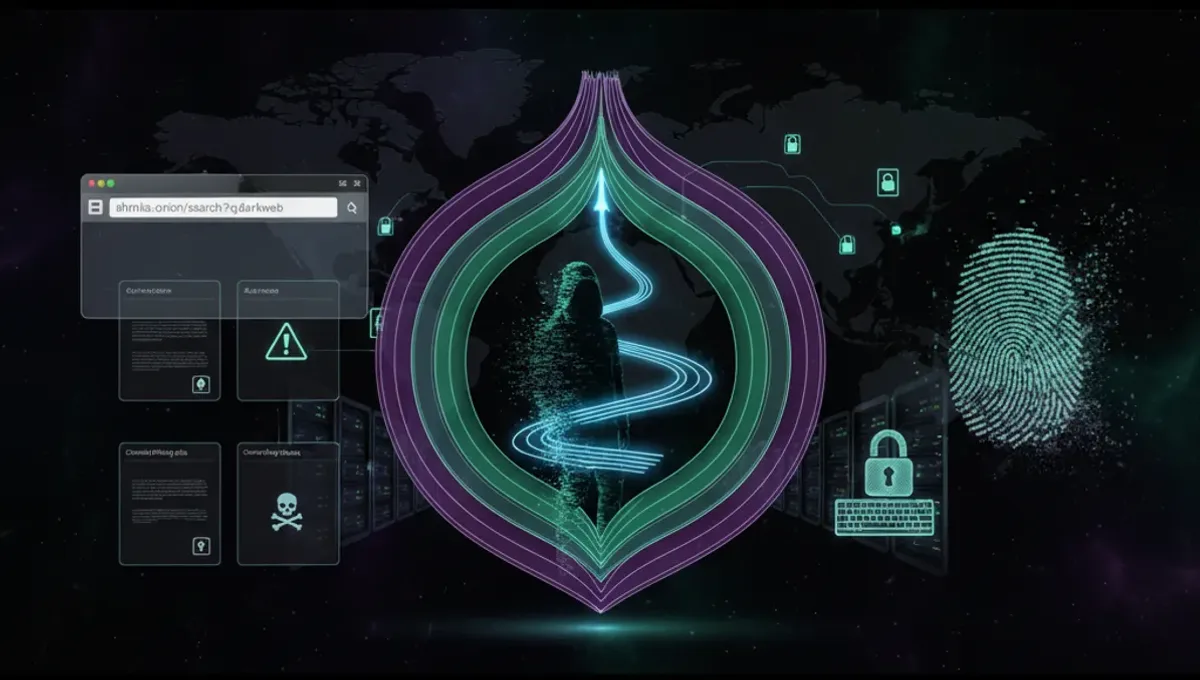
What Is a Tor Dark Website and How Does It Work
A tor dark website runs on the Tor network using onion routing to encrypt and anonymize traffic. When you connect to a .onion address, your connection passes through multiple Tor relays before reaching the destination server. The server itself is also hidden—its IP address is not exposed to the public internet. This architecture means neither the user nor the website operator can easily identify each other's location or identity. Tor dark websites can host legal content like privacy-focused forums, news archives, and whistleblowing platforms, as well as illegal marketplaces. The technical design does not inherently determine legality; the content and its use do. To access a tor dark website, you need the Tor Browser, which routes your traffic through the Tor network and handles .onion address resolution automatically.
How Onion Addresses and V3 Addresses Differ
Onion addresses come in two main formats: v2 and v3. V2 addresses are 16 characters long and use older cryptographic standards; they were deprecated by the Tor Project in 2021 due to security vulnerabilities. V3 addresses are 56 characters long and use modern elliptic-curve cryptography, providing stronger security against brute-force attacks and impersonation. When you encounter a tor dark website, check its address format. A v3 address indicates the site operator has updated to current security standards. V2 addresses should be treated with caution, as they may be outdated or abandoned. The address itself is derived from the site's public key, which means the operator cannot easily change it without losing the site's identity. This cryptographic binding makes v3 addresses more resistant to phishing clones, though fraudulent sites can still register new v3 addresses.
Verifying Authentic Onion Sites and Detecting Phishing Clones
Phishing clones are fake tor dark websites designed to steal credentials or cryptocurrency by mimicking legitimate services. To verify a genuine onion site, follow these steps: First, confirm the .onion address through multiple independent sources—check the official project documentation, PGP-signed announcements, or established community directories. Second, verify the PGP signature of any security notices or updates published by the site operator. Third, examine the site's SSL certificate details in the Tor Browser's security settings; legitimate sites often display a green lock icon. Fourth, look for consistency in design, spelling, and functionality compared to known legitimate versions. Phishing clones often contain subtle errors or missing features. Fifth, never enter credentials or send funds without confirming the address through at least two separate trusted sources. If a site requests unusual information or behaves unexpectedly, close the connection and verify the address again before proceeding.
Using Directories and Search Engines to Find Tor Dark Websites
Directories and search engines index tor dark websites to help users locate services. These tools function similarly to surface-web search engines but operate within the Tor network. A dark website directory typically maintains a curated list of onion addresses organized by category, with descriptions and uptime status. Search engines for the dark web crawl .onion sites and index their content, allowing keyword-based searches. When using these tools, remember that listings are not guaranteed to be current or safe. Directories may include sites that have moved, shut down, or been replaced by phishing clones. Always cross-reference any address you find with official sources before visiting. Some directories require manual submission and verification before listing a site, which increases reliability. Others are open-submission and carry higher fraud risk. Reputable directories display last-checked dates and uptime statistics, helping you identify active sites. Use multiple sources to confirm an address before trusting it.
Common Security Mistakes When Accessing Tor Dark Websites
Users often compromise their anonymity through preventable errors. Maximizing your Tor Browser window exposes your screen resolution, which can be used to fingerprint you across sites. Keep the window at default size or smaller. Disabling JavaScript in the Tor Browser settings is recommended, as scripts can leak your real IP address or execute exploits. Avoid downloading files unless necessary; malicious files can reveal your identity when opened. If you must download, use a sandboxed environment or isolated virtual machine. Never enable plugins like Flash or Java, which bypass Tor routing. Do not use the same username across multiple tor dark websites, as this creates a trackable identity. Do not maximize bandwidth usage or make unusual requests that stand out from normal Tor traffic patterns. Do not assume that accessing a tor dark website makes you automatically anonymous; your behavior and operational security matter equally. Use a dedicated device or virtual machine for Tor browsing if possible, and keep your operating system and software updated.
Tor Versus VPN and I2P for Anonymous Browsing
Tor, VPN, and I2P are three distinct anonymity tools with different strengths. Tor routes traffic through multiple relays operated by volunteers worldwide, making it difficult for any single entity to correlate your traffic. It is designed for anonymity and resists traffic analysis better than alternatives. VPNs encrypt traffic between your device and a single VPN server, which then accesses the internet. A VPN provider can see your traffic and real IP address, so you must trust the provider's no-logging claims. VPNs are faster than Tor but offer less anonymity against sophisticated adversaries. I2P is a decentralized network similar to Tor but optimized for internal communication rather than accessing external websites. I2P uses shorter paths and is faster for peer-to-peer applications but less suitable for general web browsing. For accessing tor dark websites, Tor Browser is the standard tool because it integrates Tor routing with security hardening. VPNs and I2P are not designed to access .onion addresses. If you need anonymity for general internet use, Tor provides stronger guarantees; if you need speed for non-sensitive browsing, a VPN may suffice.
Legal and Illegal Uses of the Tor Network
The Tor network itself is legal in most countries and serves legitimate purposes: journalists use it to communicate securely with sources, activists use it to bypass censorship, and privacy-conscious users use it to protect personal data from surveillance. Whistleblowing platforms rely on Tor to protect sources. News organizations operate tor dark websites to allow anonymous tips. Libraries and educational institutions use Tor for research. However, the Tor network is also used for illegal activities including drug trafficking, weapons sales, and stolen data distribution. Accessing a tor dark website is not inherently illegal, but purchasing illegal goods or services is. Law enforcement agencies monitor Tor traffic and have successfully prosecuted users engaged in criminal activity. Using Tor for legal purposes—such as accessing information, communicating privately, or protecting your anonymity from commercial tracking—is protected in most jurisdictions. Using Tor to facilitate illegal transactions is not. Your responsibility is to understand local laws and use the technology lawfully. If you are unsure whether an activity is legal, consult local regulations or legal counsel before proceeding.
Frequently asked questions
How do I access a tor dark website safely?
Download the official Tor Browser from the Tor Project website, install it, and launch it. Enter the .onion address in the address bar. Verify the address through multiple trusted sources before visiting. Keep your Tor Browser and operating system updated. Disable JavaScript in Tor Browser settings. Do not maximize your browser window. Do not download files unless necessary. Use a dedicated device or virtual machine if possible.
What is the difference between a v2 and v3 onion address?
V2 addresses are 16 characters long and use older cryptography; they were deprecated in 2021. V3 addresses are 56 characters long and use modern elliptic-curve cryptography, providing stronger security. V3 addresses resist brute-force attacks and impersonation better than v2. If you encounter a v2 address, treat it with caution as it may be outdated or abandoned. Prefer v3 addresses for new sites.
How can I tell if a tor dark website is a phishing clone?
Verify the .onion address through at least two independent trusted sources before visiting. Check for PGP-signed announcements from the site operator. Look for design inconsistencies, spelling errors, or missing features compared to the legitimate version. Examine the SSL certificate in Tor Browser's security settings. Never enter credentials or send funds without confirming the address through multiple sources. If behavior seems unusual, close the connection and re-verify.
Is using Tor to access dark websites illegal?
Using Tor and accessing .onion sites is legal in most countries. However, the legality depends on what you do on those sites. Accessing information, communicating privately, or protecting your anonymity is legal. Purchasing illegal goods or services is not. Law enforcement monitors Tor and has prosecuted users engaged in criminal activity. Always comply with local laws regarding your online activities.
What should I do if I find a tor dark website I want to verify?
Search for the site's official announcement or documentation on multiple independent sources. Check for PGP-signed statements from the site operator. Cross-reference the address in established community directories. Verify the SSL certificate and security settings in Tor Browser. Contact the site operator through verified communication channels if available. Do not visit the site until you have confirmed the address through at least two separate trusted sources.